 VLC Media Player
Play almost anything with VLC Media Player
VLC is a free and open-source, cross-platform multimedia player that plays most files, discs, webcams, devices and streams — with no ads, no spyware and no user tracking.
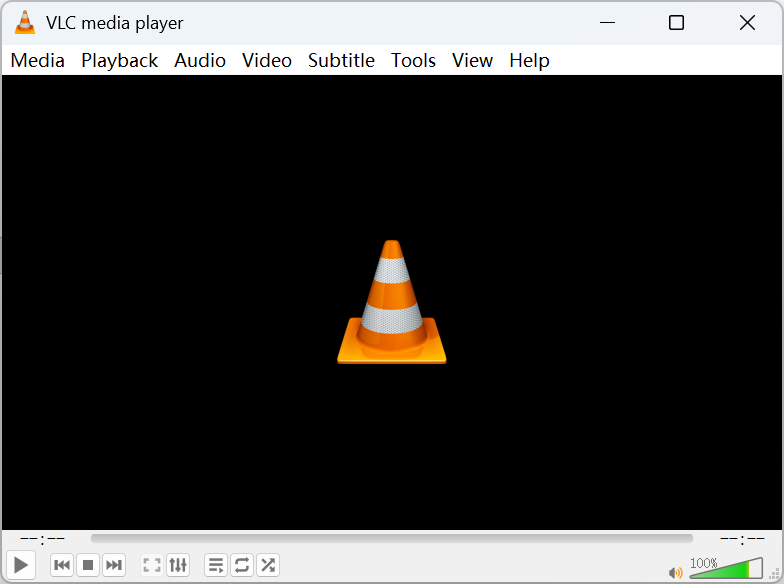
VLC Media Player Download
Pick your operating system to grab the latest build.


Why people choose VLC
A focused set of capabilities that cover almost every playback need.
Play almost any media format
VLC decodes the vast majority of audio and video formats — MP4, MKV, AVI, MOV, FLAC, MP3, HEVC and more — without downloading extra codec packs. Most of what it needs is built in, so files simply open and play.
Subtitle support
Load external subtitle files (SRT, ASS, SUB) or use tracks embedded in the video. VLC lets you adjust size, timing and synchronization on the fly, so dialogue always stays lined up with the picture.
Streaming & network playback
Open network streams over HTTP, RTSP, MMS and more, or paste a URL to watch directly. VLC can also act as a streaming server, broadcasting media across your local network to other devices.
Media conversion
Convert files between formats using the built-in Convert / Save tool. Repackage a video for another device or extract an audio track — no separate converter application required.
Screen & webcam recording
Capture your desktop or a webcam feed straight from VLC. It is handy for quick recordings, demos or grabbing a stream to a local file for later viewing.
Playlist management
Build, save and reorder playlists for music or video marathons. VLC remembers your queue and supports looping, shuffling and per-item options across long sessions.
A look inside
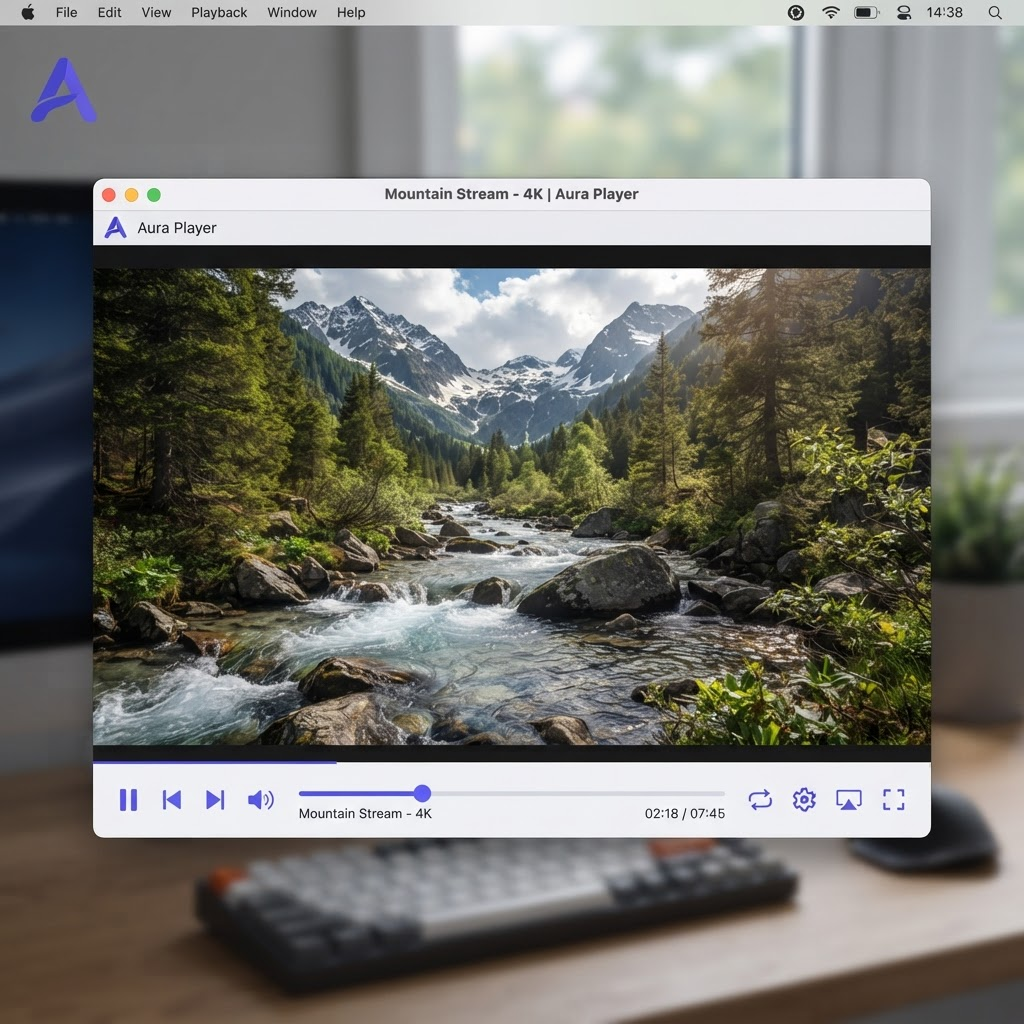
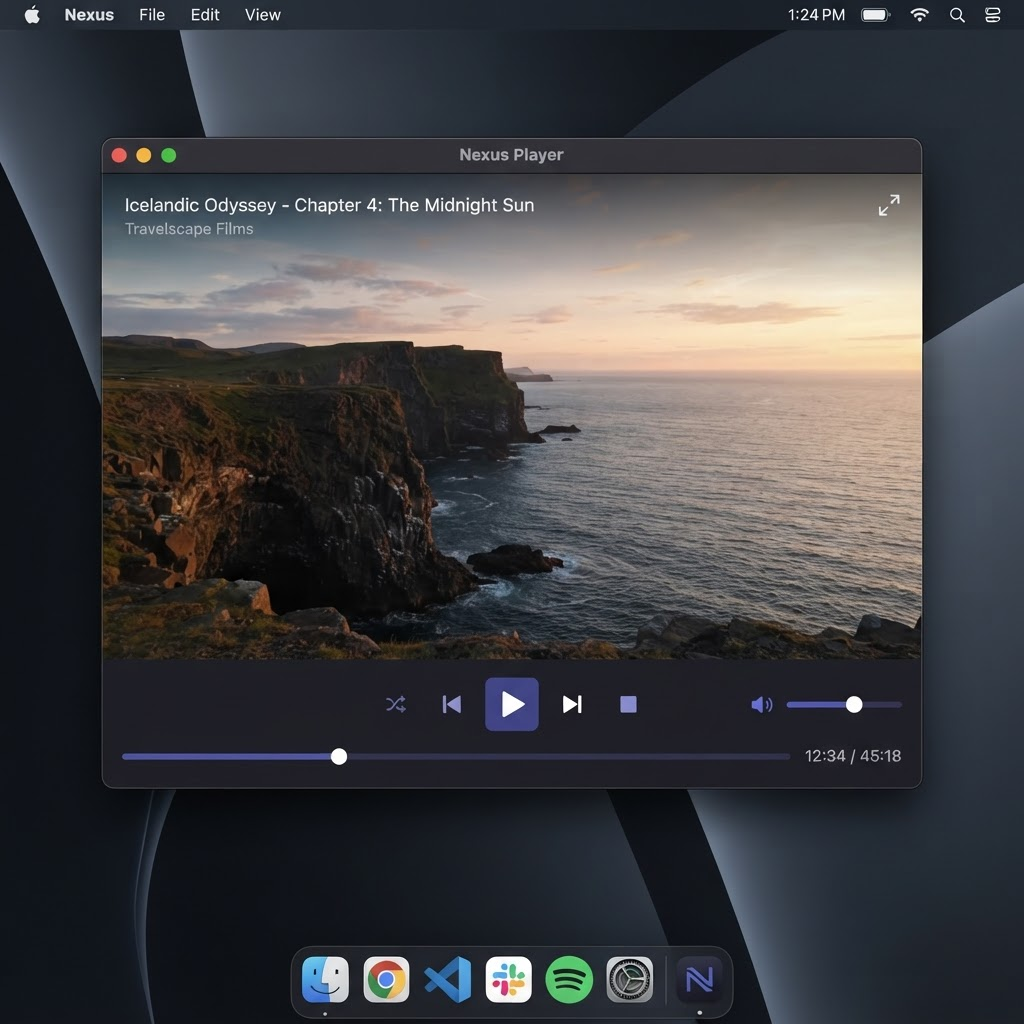
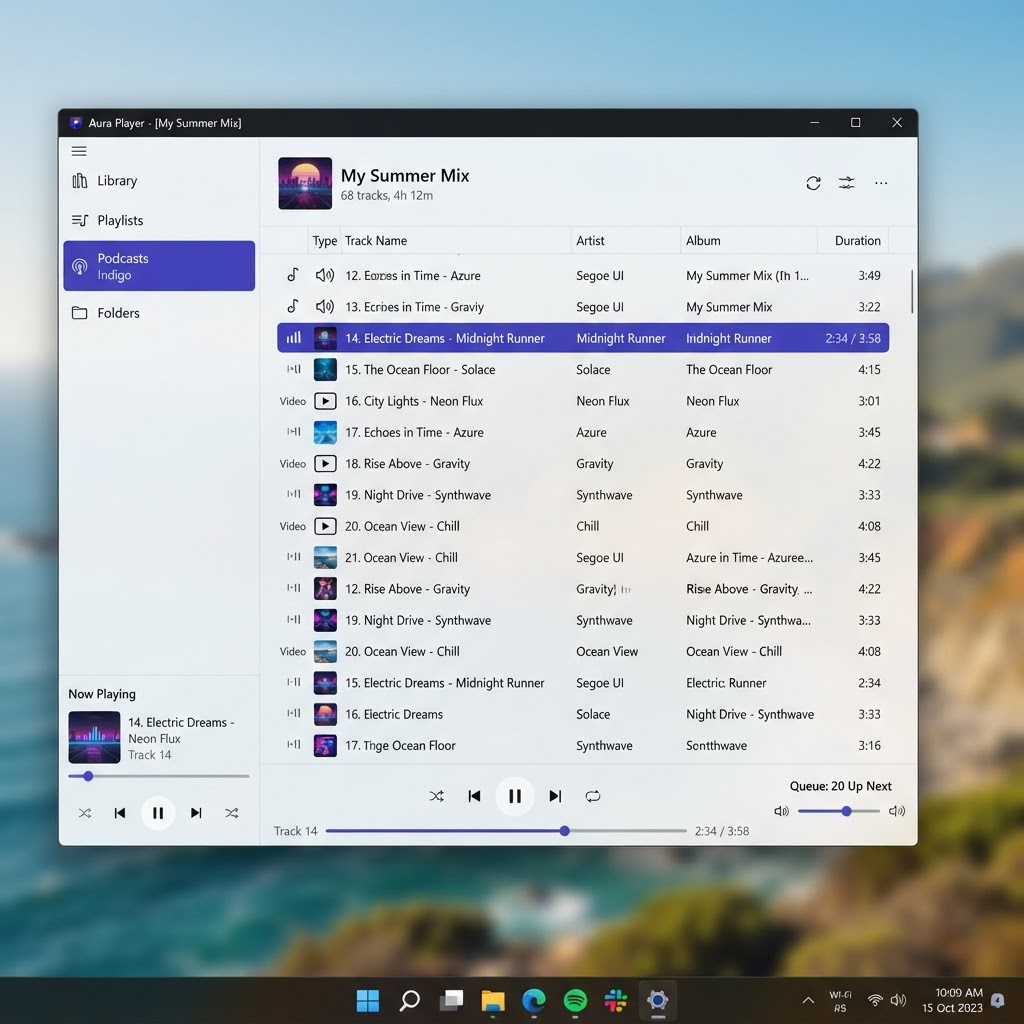
Clean, functional interface across desktop and mobile.
Latest release
Version 3.0.23 was published on 2025-08-01. It bundles the usual mix of format, decoder and stability improvements.
Quick answers
The questions people ask most before downloading.
Is VLC free?
Yes. VLC is completely free and open source under the GPL license. There is no paid version, trial or subscription — every feature is available to everyone at no cost.
Is VLC Media Player safe?
VLC is safe when downloaded from the official VideoLAN website or an official app store. Avoid third-party mirrors, which sometimes bundle unwanted software with the installer.
Does VLC contain ads?
No. VLC does not show advertisements and does not include bundled adware or spyware when obtained from official sources.
Can VLC play MKV files?
Yes. MKV (Matroska) playback works out of the box, including multiple audio tracks and embedded subtitles.
Can VLC play HEVC / H.265?
Yes. VLC decodes H.265 / HEVC, including many 4K files. Enabling hardware acceleration helps playback stay smooth on capable hardware.